
Direct answer
Diagnose the first failed layer before changing tools
AI video troubleshooting should move from symptom to evidence: find the first bad frame, classify the failed layer, run the cheapest test that isolates one variable, then repair only if identity, geometry, and the central action remain true. Regenerate from the last approved source when the failure is structural. This keeps credits and editing time focused on a known cause rather than another broad prompt rewrite.
This guide is a tool-neutral triage hub. It does not replace the linked first-frame, motion, continuity, repair, or editing guides, and it does not promise that the same test produces identical results across models or versions.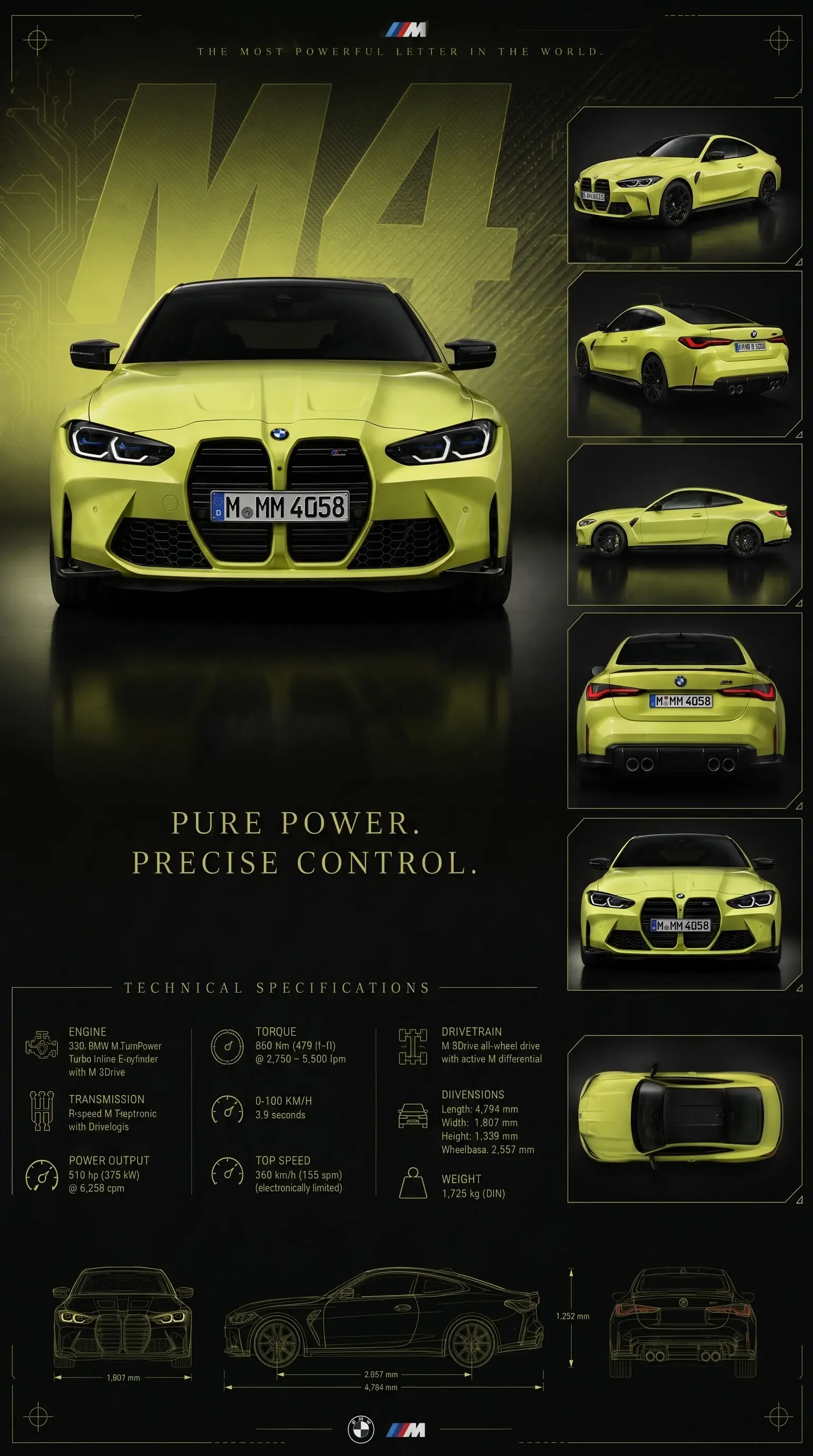
Visible production evidence
The Ford GT study shows why source truth comes before motion polish.
The disclosed automotive concept used one approved vehicle and environment contract before angle and motion expansion. It demonstrates how a stable source narrows later diagnosis; it does not prove client work, endorsement, or campaign performance.
Inspect the complete case studyUnofficial AI-generated automotive spec concept. AI Craft Academy is not affiliated with or endorsed by the vehicle manufacturer.Start with the first frame where the shot becomes wrong
Watch the clip at normal speed, then step through the frames around the first visible failure. Record whether identity, product geometry, anatomy, contact, camera path, environment, texture, or continuity changes first. The earliest failed layer usually points closer to the cause than the most dramatic later artifact.
Keep the approved source, exact motion brief, generated clip, and intended edit role together. Troubleshooting without those inputs becomes guesswork because the reviewer cannot tell what the model was asked to preserve or change.
Use the cheapest test before another full generation
A short, low-complexity test should isolate one uncertainty. Lock the camera to test subject action. Keep the subject still to test camera movement. Shorten duration to see whether drift develops over time. Remove secondary references to reveal whether they are competing with the primary source.
- Source test: inspect the still for hidden hands, weak geometry, blur, contact ambiguity, or insufficient motion space.
- Motion test: request one low-amplitude subject action with a locked camera.
- Camera test: keep the subject stable and request one restrained camera move.
- Continuity test: compare the last accepted frame with the next shot's first frame at the same crop.
- Edit test: trim around the defect and confirm that the shot still performs its communication role.
Repair only when the underlying shot remains true
Local flicker, noise, a brief edge defect, a small caption error, or a removable transition can justify repair. A changed face, incorrect product, impossible hand interaction, wrong vehicle geometry, or failed central action usually requires an upstream source or generation decision.
Upscaling and retouching can improve presentation, but they do not recover verified factual detail that was never present. Preserve the original and compare every repair at final size and speed before replacing the selected master.
Return to the last approved production gate
If the source frame fails, return to first-frame preparation. If the source passes but movement fails, simplify the motion hierarchy. If individual clips pass but the sequence jumps, inspect continuity and shot coverage. If the sequence works but delivery fails, move to editing, sound, captions, and export QA.
- First-frame and identity failures: repair or rebuild the source before video generation.
- Subject or camera failures: isolate one motion layer and shorten the test.
- Between-shot drift: restore shared identity, direction, and transition anchors.
- Surface artifacts: preview a local repair before processing the full clip.
- Editorial problems: recut existing coverage before commissioning another shot.
Define a stopping rule
A troubleshooting loop needs a limit. Decide which details are non-negotiable, which defects can be hidden by an honest edit, how many controlled tests are justified, and what evidence will trigger regeneration. Repeating an unchanged generation is not diagnosis.
For paid work, record the chosen remedy, remaining limitation, reviewer, and accepted version. The client should know whether the final clip was regenerated, locally repaired, shortened, or replaced and which factual details were manually checked.
Use the Drift Triage Ladder
Move through failures from the cheapest evidence to the most expensive intervention. First confirm that the source frame is structurally sound. Next isolate subject motion, then camera motion, then shot duration. Only after those tests pass should you investigate sequence continuity, local repair, and final edit behavior.
Write down the first failed rung. That record prevents a team from treating every visible defect as a prompt problem and makes later attempts comparable.
- Source: identity, geometry, contact, crop, and motion space.
- Subject: one action, low amplitude, locked camera.
- Camera: one path, stable subject, defined end frame.
- Duration: shortest clip that proves the motion.
- Continuity: compare accepted boundary frames and screen direction.
- Finish: repair, trim, sound, captions, and export QA.
Choose regenerate, repair, edit, or hold
Regenerate when the core identity, product geometry, central action, or camera logic is wrong. Repair when a local surface defect can be corrected without inventing factual detail. Edit around a failure when the remaining frames still communicate the intended beat. Hold the shot when neither the source nor the available evidence supports a responsible fix.
For commercial delivery, record the selected path and remaining limitation. A technically polished clip is not approved if the product, person, claim, or required action is inaccurate.
Read the failure in production order
A face that changes after a camera move, a product that slides when a hand enters, and a clip that cuts poorly are different failures. Trace source frame, subject action, camera action, temporal consistency, between-shot continuity, and edit role in that order. Stop at the first layer that cannot pass its own test.
The goal is not to name a model weakness. It is to locate the cheapest production decision that can restore a truthful, usable shot.
Use a repair-versus-regenerate threshold
Repair is reasonable when the accepted subject, product, composition, and action remain intact and the defect is local. Regeneration is safer when the central evidence changes across frames or the motion depends on impossible hidden structure.
- Repair candidate: brief flicker, isolated edge, removable transition, modest noise, or small local cleanup.
- Regenerate candidate: identity drift, wrong product geometry, impossible contact, failed main action, or persistent camera contradiction.
- Edit candidate: redundant timing, late entry, weak transition, or a defect outside the useful shot range.
Document the accepted limitation
A delivered clip may be shortened, repaired, or used only at a certain size. Record that boundary with the selected version and approval. A hidden limitation becomes a future publishing error; a documented limitation becomes a production decision.
Sources and methodology
Official context, independently organized.
Official Higgsfield materials were reviewed as examples of current generation, iteration, and scoring workflows. The Drift Triage Ladder and remedy rules are AI Craft Academy's own vendor-neutral synthesis. Higgsfield is not affiliated with this guide, and no product-quality claim here should be read as an independent benchmark.
- First and Last Frame TutorialOfficial Higgsfield YouTube video · Published 2026-03-01 · Reviewed 2026-07-19
Public title, description, and chapter labels were reviewed for iterative image-to-video setup; transcript coverage was unavailable.
- How I Made an AI Short FilmOfficial Higgsfield YouTube video · Published 2026-05-09 · Relevant sections 58:01, 02:05:32 · Reviewed 2026-07-19
Public metadata and chapter labels were reviewed for generation review and editing stages; transcript coverage was unavailable.
- Introducing Similarity ScoringOfficial product article · Published 2026-03-16 · Reviewed 2026-07-19
Reviewed for the vendor's published explanation of automated similarity scoring. Human factual and creative review remains necessary.
Diagnostic table
Find the failed layer before regenerating.
| Visible signal | Likely cause | Controlled correction |
|---|---|---|
| Identity drifts after the opening frames | Duration, movement, or camera inference exceeds the source contract | Run a shorter locked-camera motion test; regenerate from a stronger source if drift starts immediately |
| Product slides or changes during contact | The grip and hidden geometry are ambiguous in the first frame | Test the product already held in a stable pose; rebuild the source when contact remains structurally wrong |
| Background and edges shimmer | Temporal texture instability or an overly aggressive repair pass | Compare a short untreated range, then test restrained local processing at delivery size |
| Camera movement bends the scene | The frame lacks depth or the prompt combines competing camera instructions | Isolate one modest camera move with a still subject; choose a compatible source composition if it still fails |
| Good clips do not form a coherent sequence | Shot roles, direction, scale, or transition anchors were not planned together | Recut by communication role, then generate only the missing evidence or transition shot |
Production checklist
Approve the system, not only the best frame.
- The first failed frame and defect class are recorded.
- The source, motion brief, clip, and intended edit role are available together.
- The cheapest test changes one variable only.
- Repair is limited to a shot whose identity, geometry, and action remain true.
- Regeneration returns to the last approved production input.
- The selected version, reviewer, remedy, and remaining limitation are documented.
Frequently asked
Questions this workflow should answer.
Should I rewrite the prompt when an AI video fails?
Not first. Find the first failed frame, classify the defect, and test one layer such as the source, subject action, or camera movement. Rewrite only the instruction responsible for the observed failure.
When should an AI video be repaired instead of regenerated?
Repair when the subject, product, geometry, and central action remain correct and the defect is local. Regenerate when identity, factual product detail, contact, or the main movement is structurally wrong.
Can upscaling fix a wrong face or product?
No. Upscaling may improve presentation of existing information, but it should not be treated as recovery of verified identity or product detail that the source never contained.

Written from production practice
Omer Faruk Sahin
Founder, CEO, and Creative Director at AI Craft Academy. Omer leads strategy, product, advertising, creative direction, and the production systems documented in these field guides.
Founder profileContinue building
Learn the complete production workflow.
The Academy connects prompt structure to references, first frames, motion, editing, distribution, and monetization.
Explore the Academy