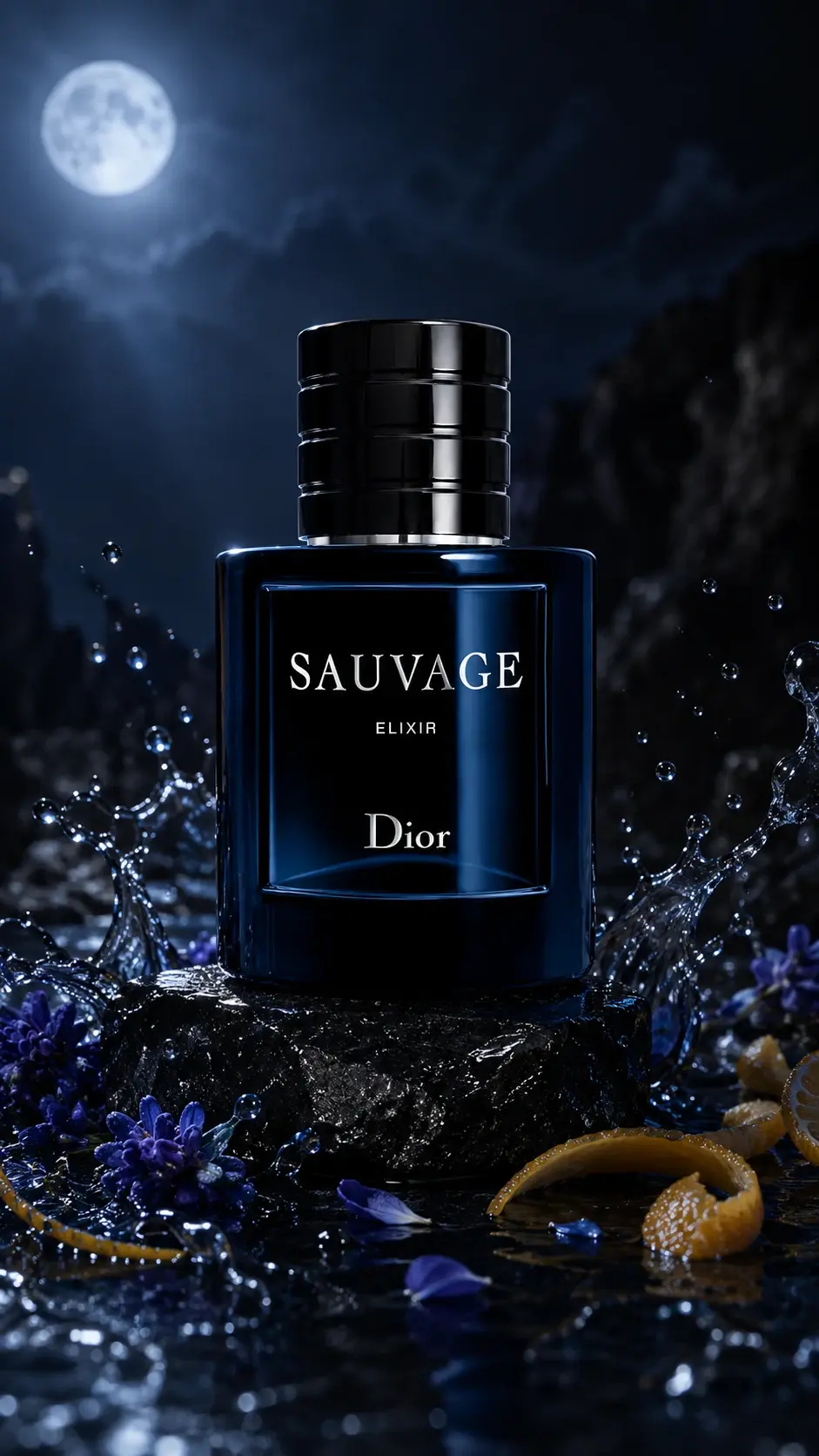
Product visuals
AI product campaign prompt
Turn one product photo into premium campaign worlds with a product identity lock and scene-specific lighting.
What this workflow solves
The prompt has to control more than the idea.
People searching this want a product photo prompt that keeps packaging readable while changing the campaign environment.
The difference between a weak AI output and a usable workflow is control. References need to be locked, the environment needs rules, and the camera style needs to match the final platform.
This page covers the core method. Inside the Academy, it connects to deeper lessons on reference handling, prompting, video generation, editing, distribution, and monetization.
Inputs
What you need before prompting.
Steps
A simple breakdown.
- 01Upload a clean product photo.
- 02Lock packaging details before describing the world.
- 03Build the scene around surface contact, shadows, and reflections.
- 04Generate multiple campaign worlds from the same product.
Prompt structure
Use the prompt to protect the output from drifting.
Start with product identity preservation: shape, label, cap, material, colors, and logo placement.
Describe the campaign world after the product lock, not before it.
Force realistic contact: the product should rest on a surface and cast shadows.
Control lens, aspect ratio, depth of field, and negative space for copy.
Common mistakes
Why similar prompts often fail.
Next step
Turn the output into a content system.
Use this structure to build product campaign frames, then turn the strongest output into short-form ad or carousel content.
Inside AI Craft Academy, workflows like this connect to prompt packs, first-frame planning, AI video generation, editing, distribution, and monetization.
Want the full system?