
Character consistency
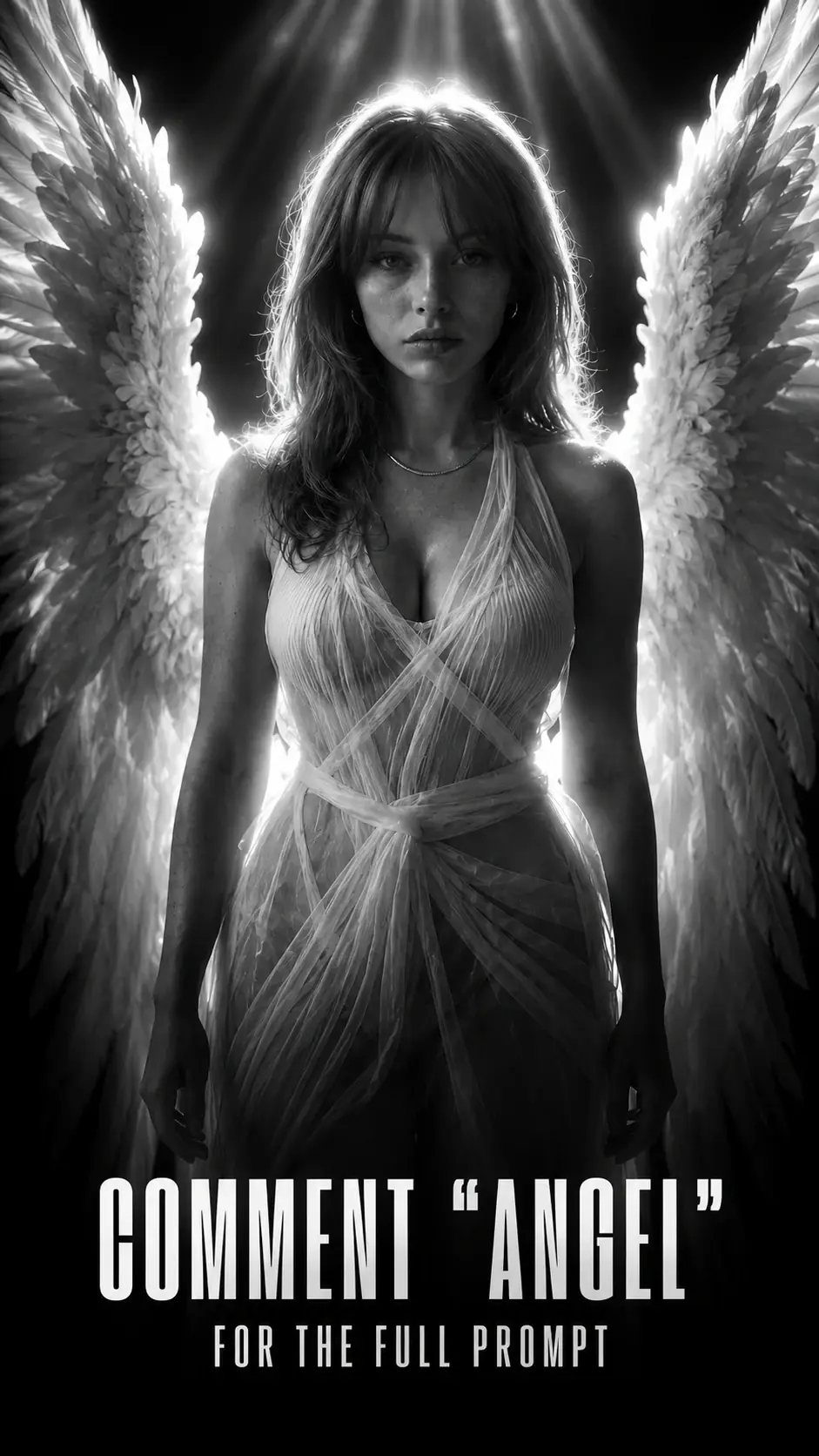
Same-face angel portrait prompt
Keep the person recognizable while changing the visual world into a cinematic editorial portrait.
What this workflow solves
The prompt has to control more than the idea.
People searching this want an AI portrait prompt that preserves identity while creating a dramatic transformation.
The difference between a weak AI output and a usable workflow is control. References need to be locked, the environment needs rules, and the camera style needs to match the final platform.
This page covers the core method. Inside the Academy, it connects to deeper lessons on reference handling, prompting, video generation, editing, distribution, and monetization.
Inputs
What you need before prompting.
Steps
A simple breakdown.
- 01Upload the portrait reference.
- 02Preserve facial features, hair, skin tone, and body type.
- 03Add the cinematic transformation only after the identity lock.
- 04Test multiple references to prove consistency.
Prompt structure
Use the prompt to protect the output from drifting.
Put identity preservation at the very beginning.
Describe the transformation as wardrobe, lighting, environment, and mood rather than changing the person.
Use camera language: portrait lens, shallow depth of field, rim light, film grain.
Avoid asking for generic beauty retouching if realism matters.
Common mistakes
Why similar prompts often fail.
Next step
Turn the output into a content system.
Use the same identity-lock structure for fashion portraits, album covers, founder images, or AI character consistency tests.
Inside AI Craft Academy, workflows like this connect to prompt packs, first-frame planning, AI video generation, editing, distribution, and monetization.
Want the full system?