
Prompt systems
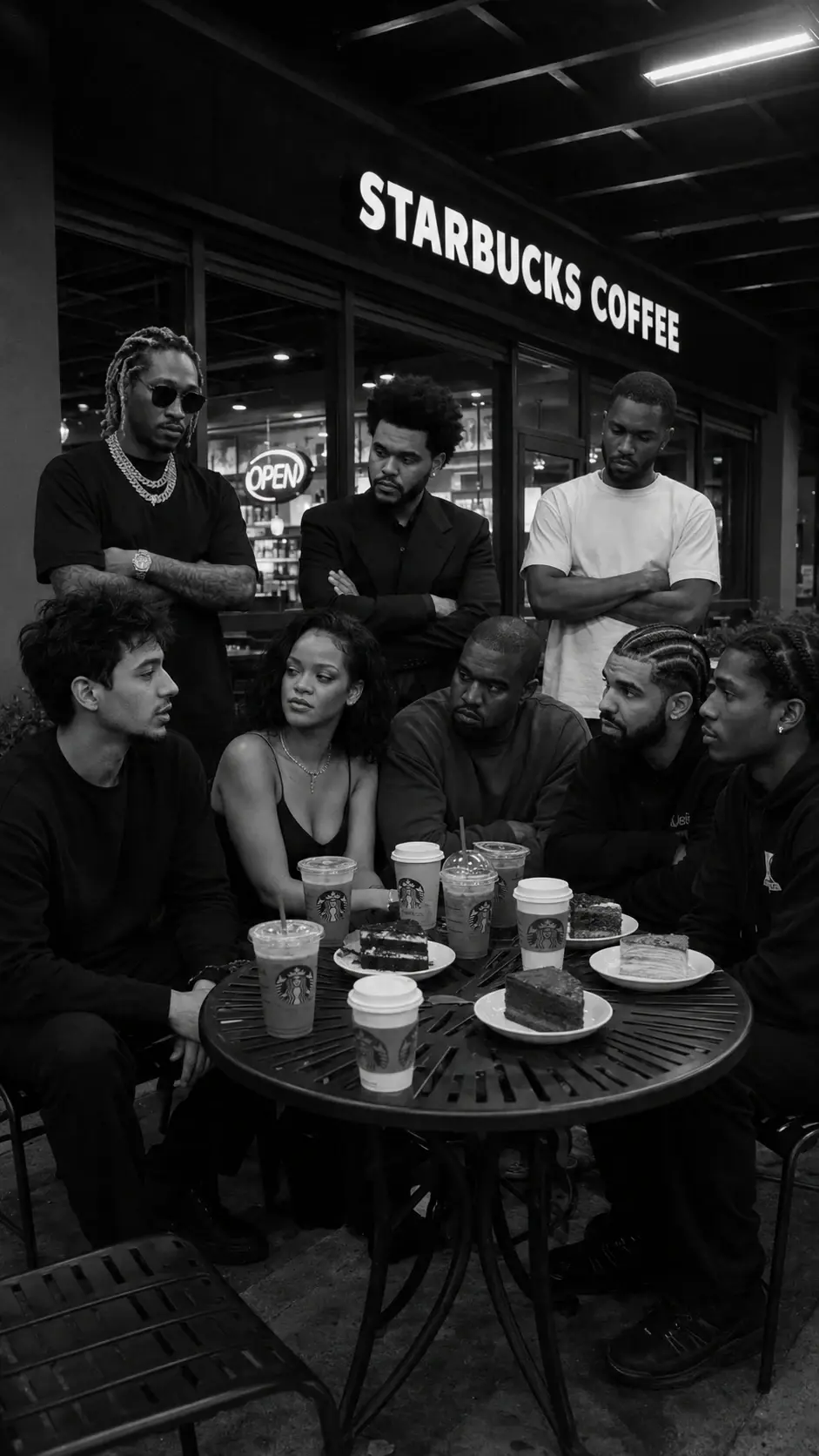
Complex group scene prompt
Place a reference person into a believable multi-person candid scene by controlling layout, gaze, props, and camera style.
What this workflow solves
The prompt has to control more than the idea.
People searching this want to place themselves or a reference character into a complex AI scene without losing realism.
The difference between a weak AI output and a usable workflow is control. References need to be locked, the environment needs rules, and the camera style needs to match the final platform.
This page covers the core method. Inside the Academy, it connects to deeper lessons on reference handling, prompting, video generation, editing, distribution, and monetization.
Inputs
What you need before prompting.
Steps
A simple breakdown.
- 01Lock the reference person.
- 02Define every subject from left to right.
- 03Control where people look and how they pose.
- 04Add location, props, lighting, and camera realism.
Prompt structure
Use the prompt to protect the output from drifting.
Open with the reference identity lock.
Write the scene like a production layout: who sits where, who stands where, and what each person is doing.
Use gaze direction to make the scene feel candid instead of pasted together.
Finish with camera, lighting, texture, and non-AI realism cues.
Common mistakes
Why similar prompts often fail.
Next step
Turn the output into a content system.
Turn this into a repeatable format for creator collabs, music scenes, founder storytelling, or viral prompt overlay posts.
Inside AI Craft Academy, workflows like this connect to prompt packs, first-frame planning, AI video generation, editing, distribution, and monetization.
Want the full system?