UGC ads
AI UGC ad workflow
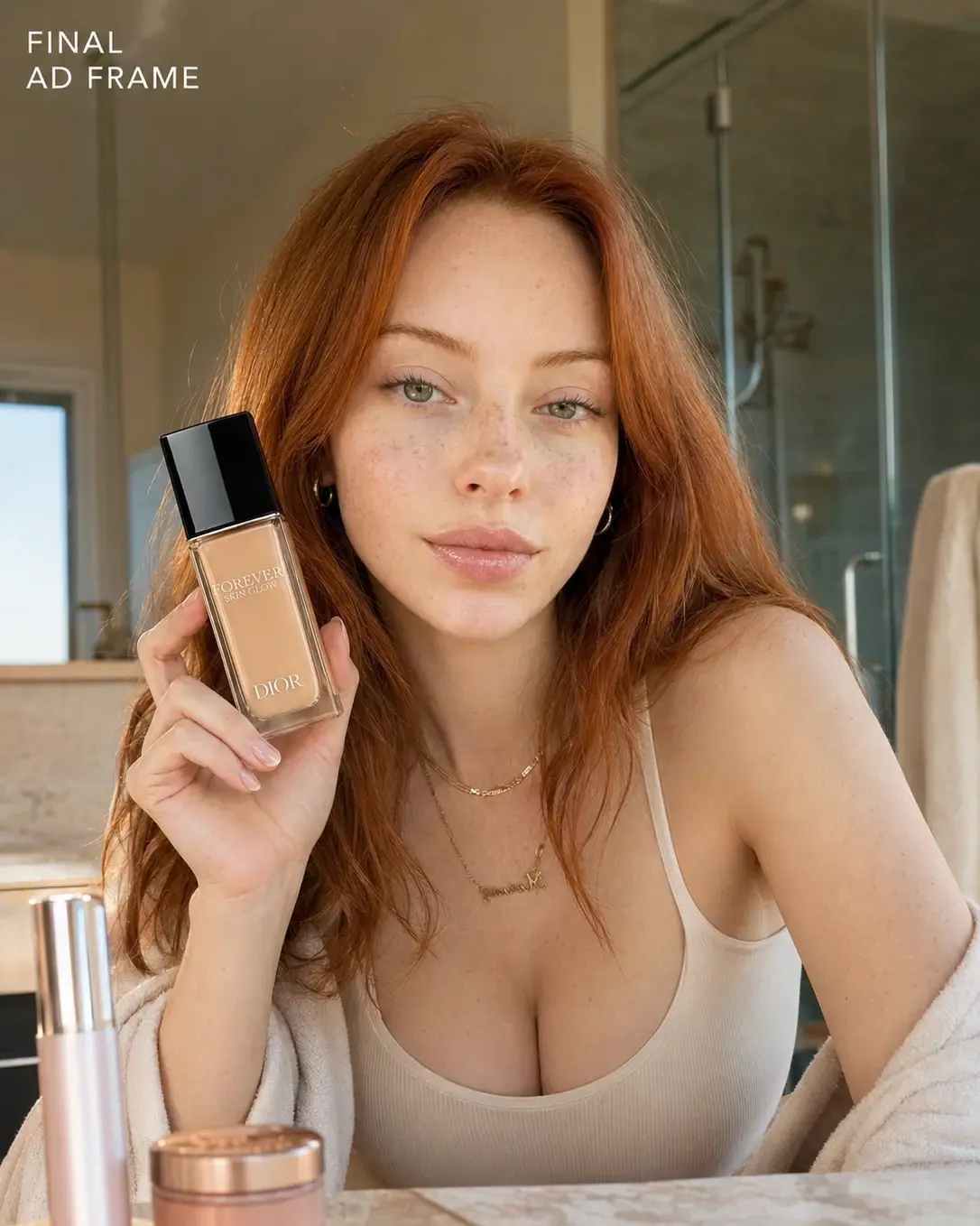
Combine creator identity, product reference, and creator-native script logic into a believable short-form ad.
What this workflow solves
The prompt has to control more than the idea.
People searching this want an AI UGC ad workflow that feels phone-native instead of like a polished commercial.
The difference between a weak AI output and a usable workflow is control. References need to be locked, the environment needs rules, and the camera style needs to match the final platform.
This page covers the core method. Inside the Academy, it connects to deeper lessons on reference handling, prompting, video generation, editing, distribution, and monetization.
Inputs
What you need before prompting.
Steps
A simple breakdown.
- 01Start with creator and product references.
- 02Write the ad as a native phone-camera moment.
- 03Keep one action per shot.
- 04Avoid polished commercial pacing when the goal is UGC realism.
Prompt structure
Use the prompt to protect the output from drifting.
Lock the creator identity and environment first.
Lock the product separately and keep interaction minimal.
Write a timeline with one dominant action per beat.
Use phone-camera realism, imperfect framing, pauses, and casual energy.
Common mistakes
Why similar prompts often fail.
Next step
Turn the output into a content system.
Use this workflow to create creator-style ad tests, product demo concepts, and breakdown reels.
Inside AI Craft Academy, workflows like this connect to prompt packs, first-frame planning, AI video generation, editing, distribution, and monetization.
Want the full system?